Slow motion and sped-up rests in climbing videos
A good climbing edit changes speed twice: fast through the waiting, slow through the move everyone came to see.
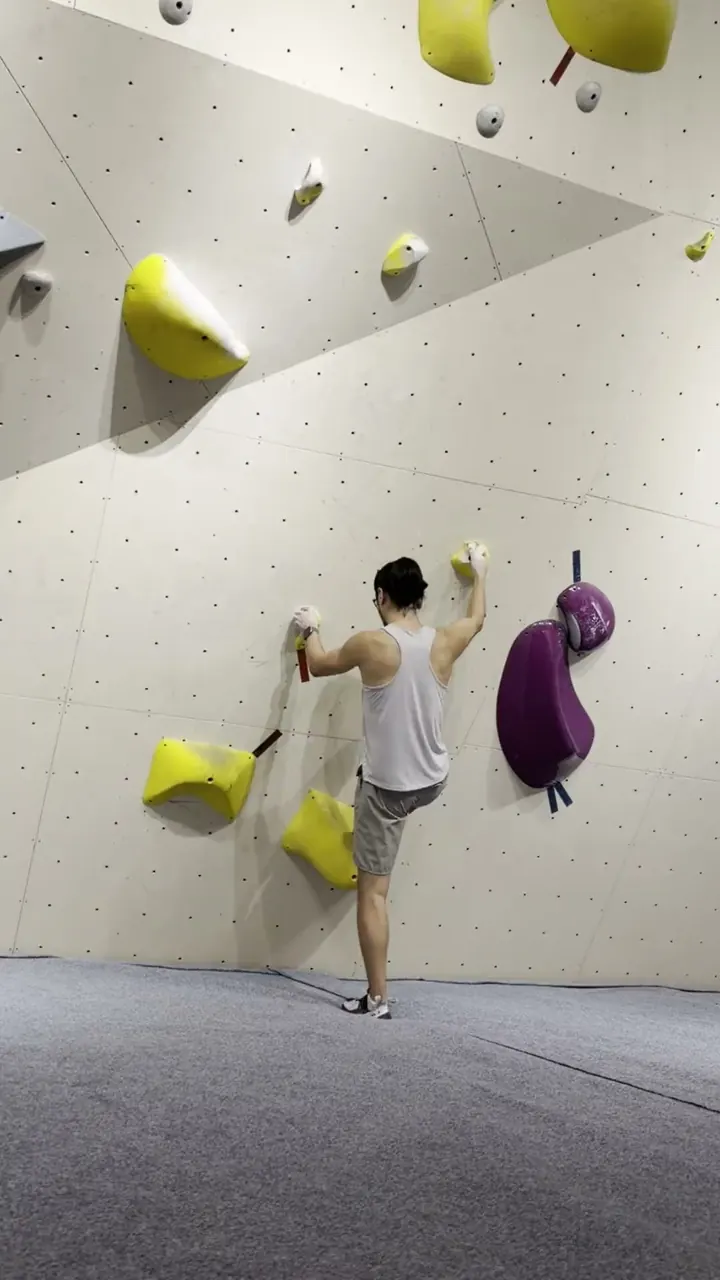
Film at 60 fps
Slowing 30 fps footage to half speed shows each frame twice and looks choppy. At 60 fps, half speed still plays at 30 frames a second and looks smooth. The phone's dedicated slo-mo mode (120 or 240 fps) is smoother still, but you have to choose it before you climb.
What to slow down, and by how much
Pick one moment: the launch and catch of a dyno, a big deadpoint, a heel hook that holds. Slow it to 0.5× for one or two seconds. Slowing a whole climb just makes it long.
For a dyno, an echo (a trail of faded copies of the climber) shows the whole path of the jump in one picture.
What to speed up, and by how much
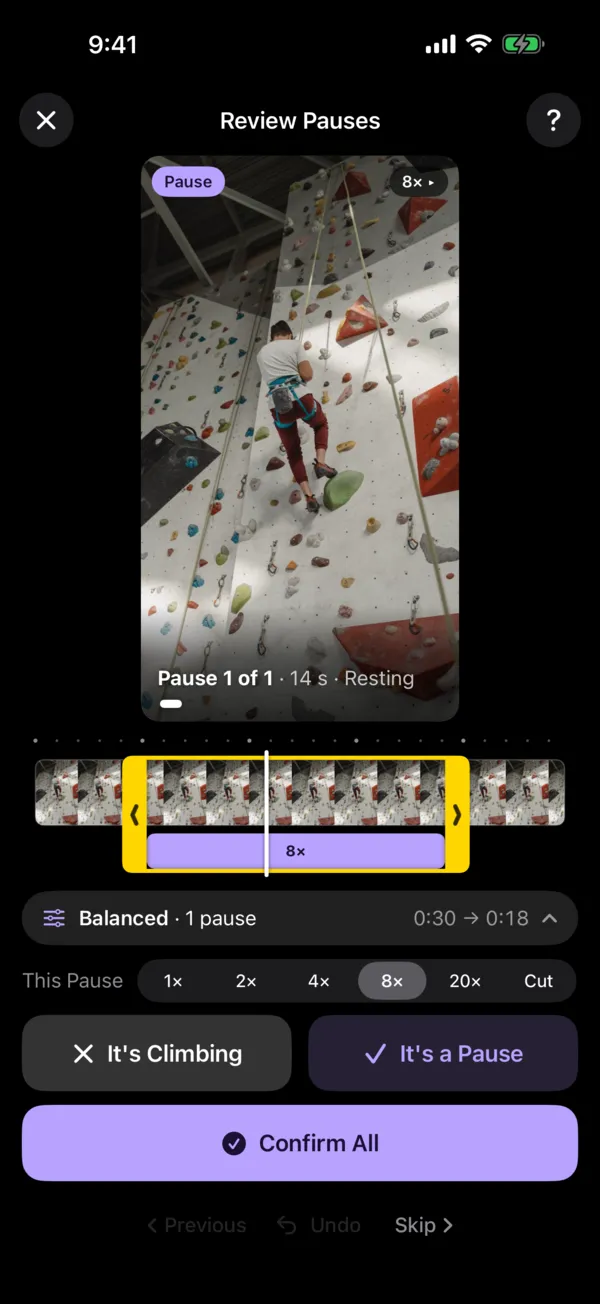
- Short rests and chalk-ups: 4× to 8×. Fast, but you can still see what happened.
- Long rests on a route: 10× to 20×, or cut them.
- Leave a beat of each pause at normal speed, so it doesn't feel like a time-lapse.
Ramps or cuts?
A quick speed ramp into and out of a slow section feels smoother than a hard jump. Most editors call it a speed curve. For rests a straight cut is fine; viewers expect it.